
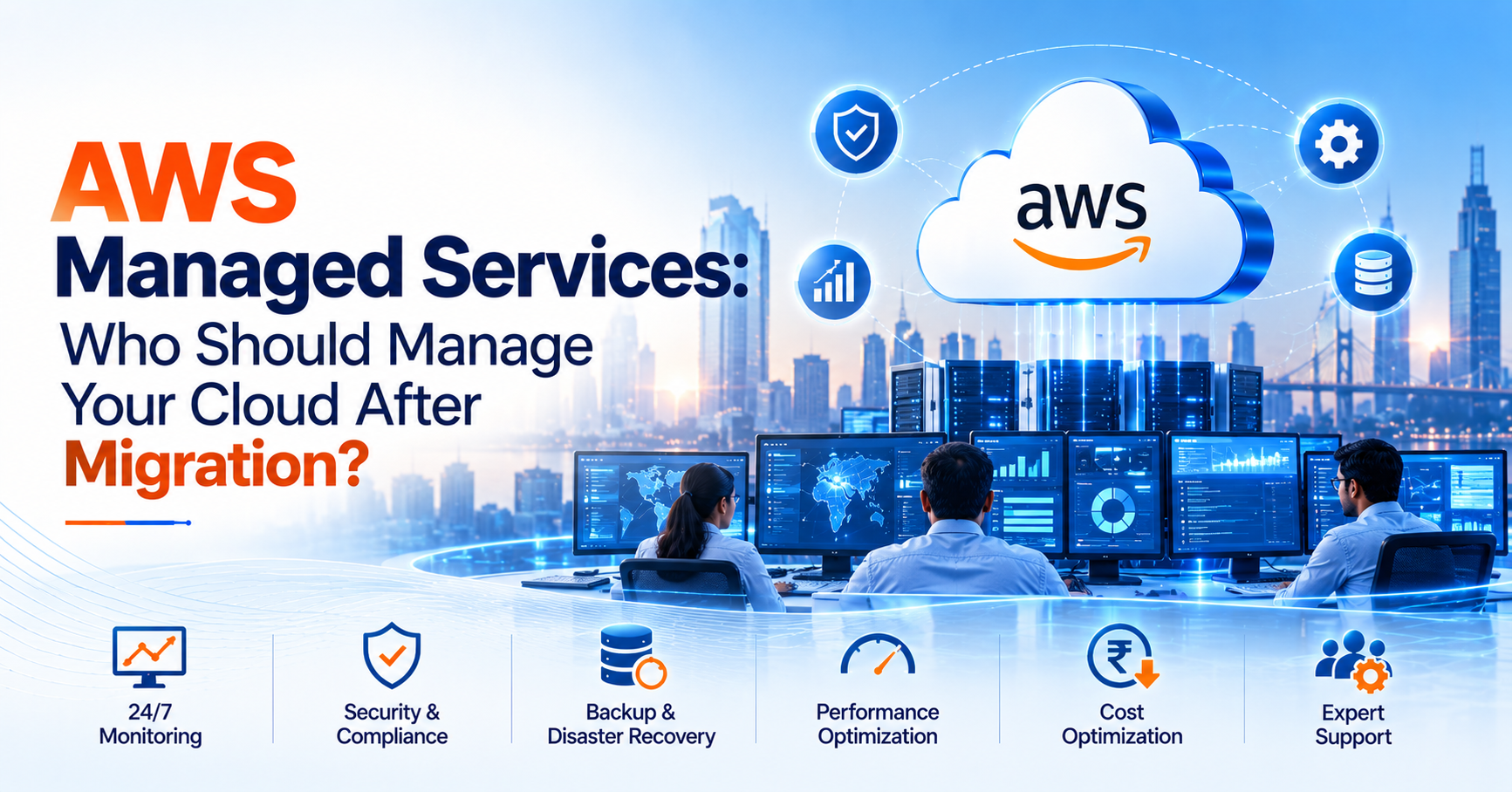
AWS Managed Services: Who Should Manage Your Cloud After Migration?
Migrating business applications to Amazon Web Services (AWS) is an important step towards building a scalable and flexible IT infrastructure. However, migration is only the beginning. Once applications are running in the cloud, businesses must ensure that their infrastructure remains secure, available, efficient and cost-effective.
This raises an important question: Who will manage your AWS environment after migration?
For organizations without a dedicated cloud operations team, AWS Managed Services can provide the expertise and ongoing support needed to manage cloud infrastructure while allowing internal teams to focus on business priorities.
Why Does AWS Infrastructure Need Ongoing Management?
AWS provides the infrastructure and services required to run applications, but businesses remain responsible for managing many aspects of their workloads. These responsibilities can include operating systems, access permissions, application configurations, monitoring, backups and performance.
Without consistent management, organizations may experience unexpected downtime, security vulnerabilities, inefficient resource utilization or increasing cloud expenditure.
A structured cloud management approach helps address these risks before they affect business operations.
1. Monitor Your Cloud Infrastructure Continuously
Production applications cannot depend on occasional manual checks.
Continuous monitoring helps identify infrastructure issues, resource utilization changes and unusual application behaviour. Appropriate alerts can help technical teams investigate potential problems before they develop into major incidents.
For businesses operating critical applications, monitoring should be supported by clearly defined escalation procedures and incident-response responsibilities.
Cogenerate provides managed cloud services to support ongoing infrastructure management and operational efficiency.
2. Improve Security and Access Management
Cloud security requires regular attention.
User permissions can become outdated, applications may need security updates, and infrastructure configurations can change as new workloads are deployed.
An effective AWS management strategy should include identity and access management, appropriate encryption, security monitoring, patch management and periodic reviews of access permissions.
Businesses should also establish clear responsibilities for responding to security alerts and investigating suspicious activity.
Security is not a one-time configuration exercise. It is an ongoing operational responsibility.
3. Keep Backups and Recovery Processes Ready
Data loss can occur because of accidental deletion, application errors, infrastructure failures or security incidents.
A dependable backup strategy should define what needs to be backed up, how frequently backups should run, how long they should be retained and who is responsible for recovery.
Recovery procedures should also be tested periodically.
For business-critical workloads, organizations should define recovery time and data-loss objectives that reflect the impact of an outage.
4. Optimize AWS Performance
As applications grow, their infrastructure requirements change.
A workload that performed well initially may eventually require different compute resources, database configurations or storage capacity.
Regular performance reviews help businesses identify bottlenecks and align resources with actual workload requirements.
Effective AWS infrastructure management should balance performance, reliability and resource utilization rather than simply increasing capacity whenever an application slows down.
5. Control Cloud Spending
Cloud costs can increase when resources are oversized, unused infrastructure remains active or workloads are not configured efficiently.
Businesses should regularly review consumption, investigate unexpected spending increases and identify opportunities to optimize resources.
This may involve rightsizing instances, reviewing storage, scheduling non-production environments and evaluating suitable AWS pricing options.
The goal of AWS cost optimization is not simply to spend less. It is to ensure that cloud expenditure delivers appropriate business value without compromising performance or reliability.
6. Support Your Internal IT Team
Many organizations have internal IT teams that already manage applications, users, networks and business systems.
Adding every cloud operations responsibility to the same team can stretch available resources.
An experienced AWS managed service provider can take responsibility for agreed operational tasks while internal teams concentrate on application development, business systems and strategic technology initiatives.
The right arrangement depends on the organization's existing capabilities and the level of external support required.
7. Establish Clear Incident-Response Procedures
When a production application becomes unavailable, businesses need to know what happens next.
A managed-services arrangement should clearly define monitoring coverage, incident severity, escalation procedures, communication responsibilities and agreed response commitments.
Businesses should distinguish between monitoring availability, response times and actual resolution times when reviewing service-level agreements.
For critical applications, these details are particularly important because downtime can affect revenue, customer experience and employee productivity.
8. Choose the Right Level of Managed Services
Not every organization requires the same level of support.
Some businesses need monitoring and alerts, while others require assistance with patching, backups, security, performance optimization and incident management.
Organizations with business-critical workloads may also need round-the-clock operational coverage.
When evaluating AWS Managed Services in India, businesses should understand exactly which AWS resources are covered, what activities are included, how support is delivered and which responsibilities remain with their internal teams.
Why Consider Cogenerate for AWS Managed Services?
Cogenerate offers managed cloud services covering infrastructure monitoring, management, security, resource optimization, backup and disaster recovery, cost management and incident response.
Its broader AWS practice also includes cloud consulting, assessment, migration and modernization, providing businesses with access to services across different stages of their cloud journey.
Explore Cogenerate Managed Services to learn more about its cloud management offering.
Migrating to AWS can help businesses build a more flexible and scalable technology environment, but maintaining that environment requires consistent operational attention.
AWS Managed Services can help organizations manage infrastructure monitoring, security, backups, performance, incident response and cloud expenditure through a structured operational model.
Before choosing a provider, businesses should assess their internal capabilities, application criticality, support requirements and desired level of operational responsibility.
The right approach can help keep cloud infrastructure reliable and efficient while allowing internal teams to focus on business growth.
Already running workloads on AWS? Review your cloud operations and identify where managed services could improve reliability, security and cost efficiency.